
Client Action Plan for Strategic website directions
A clear, practical explanation of client action plan.Client Action Plan provides client action plan for small
to medium business owners that need to understand
the scope, relevant inclusions and next step. Use
Request the next step to explain the requirement and
confirm the most appropriate approach.
Last Updated: 12 June 2026
What is a Client Action Plan?
A Client Action Plan turns findings from a Client Facing Audit Report or another accepted website audit into prioritised, practical work. It explains what needs to be added, edited, replaced, reordered, reviewed or removed, where the work is required and how to check that each action has been completed correctly.
The plan does not replace the audit or complete the repairs. It uses verified findings as the evidence base for deciding what should happen next.
What does a Client Action Plan include?
It includes priority actions, sitewide improvements, page-level instructions, suggested wording or fixes where relevant, responsibility guidance, dependencies, timing and completion checks.
Why does it matter?
An audit identifies what is weak, missing or unclear. The Client Action Plan converts those findings into an ordered implementation pathway so the business can avoid random changes, unclear quotes and wasted time.
Do I need a website audit first?
Usually, yes. A Client Action Plan requires a Client Facing Audit Report or other compatible evidence accepted by Logue Media. Without verified findings, the action plan would be based on assumptions rather than the actual condition of the website.
.
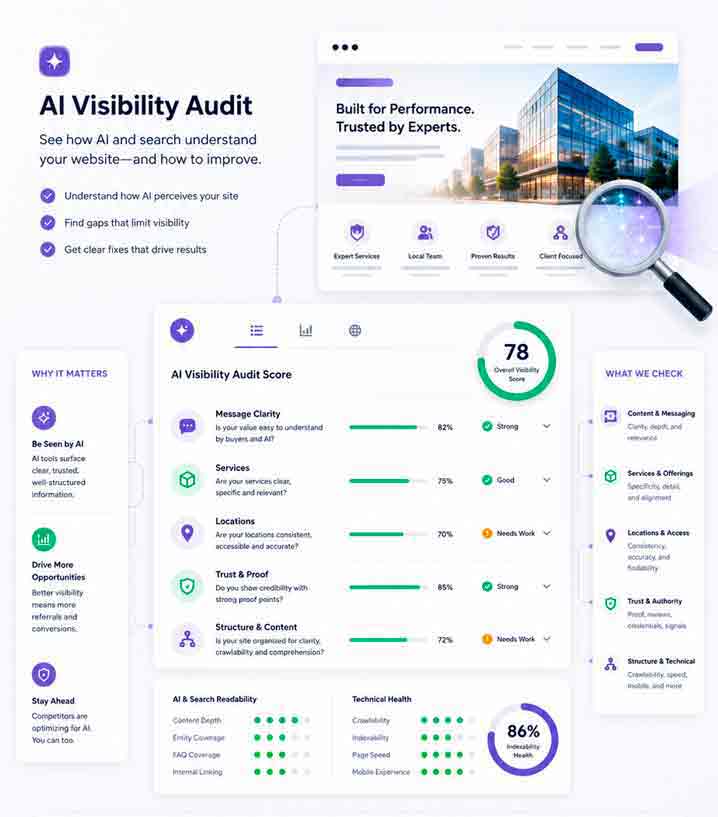
KEY INSIGHTS About the Client Action Plan
Turn audit findings into practical action
The Client Action Plan organises verified website findings into clear priorities, responsibilities and completion checks so the business knows what should happen next.
Clear Priorities
See which actions require immediate attention, what should follow and what can wait.
Clear Ownership
Understand whether each action is best handled by the business, writer, designer, developer or specialist.
Completion Checks
Use practical checks to confirm that each action has been completed correctly.
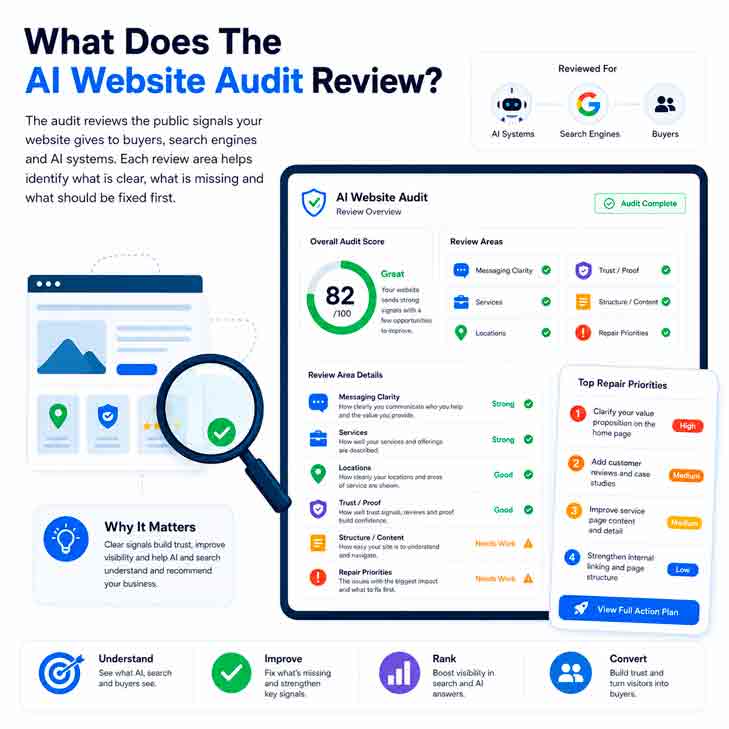
Why Do Audit Findings Fail to Become Action?
A website audit can identify important problems, but the findings still need to be converted into clear, manageable work. Without priorities, ownership and completion checks, businesses can spend money fixing the wrong issues or make changes that do not address the original finding.
No Priorities
Every recommendation can appear urgent when the actions have not been ranked by impact, urgency and dependency.
Vague Actions
Instructions such as “improve the content” or “strengthen SEO” do not explain exactly what needs to change or where the work is required.
No Ownership
Actions stall when it is unclear whether the business owner, copywriter, designer, developer or specialist is responsible.
Wrong Order
Some improvements depend on earlier decisions or repairs. Completing work in the wrong sequence can create duplication, rework and unnecessary cost.
No Checks
Without a clear completion check, the business cannot confirm whether the action was implemented correctly or the original issue was resolved.
Turn Audit Findings Into a Practical Work Plan
The Client Action Plan organises verified findings into prioritised actions, assigns practical responsibility and explains how each item should be checked after completion.
A Client Action Plan converts accepted audit findings into organised implementation work. It shows what needs attention, where the change is required, who may be responsible and how completion should be checked.
Why Does a Client Action Plan Matter?
A Client Action Plan matters because audit findings alone do not organise the work. It converts verified issues into priorities, repair steps, responsibilities and completion checks so changes can be planned, quoted and reviewed properly.
Better Decisions
Prioritised actions show what should be fixed first, what can wait and where the available budget should be directed.
Clearer Quotes
Defined actions help writers, designers, developers and specialists quote the required work without relying on assumptions or unclear scope.
Controlled Repairs
Responsibilities and completion checks help confirm each repair addresses the original finding and has been implemented correctly.
What Happens After You Receive the Client Action Plan?
Use the plan to organise, assign, quote and review the required work. Each action should move through a controlled process rather than being implemented randomly.
Review Priorities
Confirm which actions need attention first, what should follow next and which lower-priority items can wait.
Scope Repairs
Decide which actions will proceed now, what resources are required and what remains outside this work.
Assign Actions
Allocate each action to the business, writer, designer, developer responsible for completing the work.
Check Completion
Review the finished work against the completion checks and confirm the original finding has been addressed.
What Does a Client Action Plan Cost?
Client Action Plans are priced by page scope, reporting depth and whether the plan is purchased separately or bundled with the Client Facing Audit Report. Final inclusions and pricing should be confirmed before work begins.
Free Plan
Provides a limited action sample so businesses can understand the report format before purchasing the complete paid version.
Paid Plan
Provides sitewide and page-level actions, priorities, responsibilities and completion checks for every page in the scope.
Report Bundle
Combines the Client Facing Audit Report and Client Action Plan so findings, priorities and implementation direction remain connected.
CLIENT ACTION PLAN OPTIONS
| ACTION PLAN PATHWAY | BEST USED FOR: | INCLUDES | Starting Price |
| Free Action Plan | Businesses wanting to see how audit findings become practical actions | Limited detailed actions for selected pages, with remaining actions summarised or restricted. Requires a Client Facing Audit Report or accepted evidence. | Free |
| Home Entry Package | Businesses wanting a serious first review |
One paid Home Page Action Plan with findings and repair direction. |
$950 + GST |
| Home Growth Package | Businesses needing findings and practical implementation direction | One Home Page Client Facing Audit Report plus one Home Page Client Action Plan with priorities, repair steps, responsibilities and completion checks. | $1,450 + GST |
| Home Advanced Package |
Businesses needing reports, explanation and planning support |
One Home Page Client Facing Audit Report, one Home Page Client Action Plan and two hours of Google Meet advisory support. | $1,950 + GST |
| Larger Page Scopes | Businesses with multiple service, location or priority pages | Paid 25, 50, 100 or custom page scopes, confirmed according to page count, findings and reporting requirements. | Quoted by Scope |
| Implementation Support | Businesses requiring help completing selected actions | Advisory or implementation support can be scoped separately after the required actions, responsibilities and dependencies are confirmed. | Quoted Separately |
|
Full inclusions, disclosure limits, page scopes and final pricing are confirmed on the AI Visibility Packages & Pricing page. |
On-Page Website Audit FAQs.
1. Is a Client Action Plan the same as a website audit?
No. A website audit identifies and explains the findings. The Client Action Plan converts accepted findings into prioritised actions, responsibilities and completion checks.
2. Do I need a website audit first?
Usually, yes. The plan requires a Client Facing Audit Report or other compatible website evidence accepted by Logue Media. This prevents actions from being based on assumptions.
3. What is included in the Free Plan?
The Free Plan provides selected detailed actions so you can understand the report structure and practical direction. The remaining actions are limited or summarised.
4. What does the Paid Plan provide?
The Paid Plan provides complete sitewide and page-level actions, priorities, responsibilities and completion checks across the selected page scope.
5. Does the plan include the repair work?
No. The Client Action Plan explains what should be repaired, created, rewritten or reviewed. Implementation can be completed internally, by another provider or quoted separately.
6. Can I give the plan to my website team?
Yes. The plan is designed to help business owners, writers, designers, developers and specialists understand the required work and check that it was completed correctly.
Why Choose Logue Media?
A Client Action Plan must do more than repeat audit findings. It should translate verified issues into work that can be understood, prioritised, quoted, assigned and checked.
Evidence First
We base each action on accepted audit findings, so priorities and repair instructions are tied to identified website issues.
Practical Direction
We turn technical and content findings into practical work that business owners and website providers can understand, quote and complete.
Clear Boundaries
We separate audit findings, action planning and implementation, so you know what the report includes and what requires separate work.
Implementation Options
You can use the plan internally, give it to your website team or ask Logue Media to quote selected implementation.
Request a Client Action Plan for your Website
Tell us about your website, existing audit report and the page scope you need covered. Logue Media will review the information and confirm the appropriate report pathway before work begins.
How to use this Client Action Plan Form
The following information will help you complete the AI Client Action Plan Form.
1. Basic Information
Fill in your Contact Name, Business Name, Business Location (Town, State & Postcode), Website URL and Contact Phone Number and Email Address.
All of these fields are mandatoryand must be completed.
2. Select a Plan
Two (2) options to select from: Free and Paid Plan.
If you select Free Plan you will be asked to verify that I understand the Free Plan is limited with information and subject to approval. If you select No, I don’t understand why the tool is limited then the request will be rejected.
Paid Plans will take you to Select an Audit Type.
3. Select an Audit, Tool or Report
Select the AI Audit Tool & Report you need.
Start with an overall strategy with the Client Facing Audit Report and then select the Client Action Plan.
But if you have already looked at the strategy report and need more details then consider the Webpage Repair Tool.
3. Select a Package
You are asked to select a Package according to the level required: Entry / Growth / Advanced.
The Entry Package will allow you to select from a number of reports: the Client Facing Audit Report; or the Client Action Plan.
The Growth Package will allow you to select the complimentary reports as a bundle: the Client Facing Audit Report and the Client Action Plan.
The Growth Package will allow you to select the above report & tool bundle with Advanced Support. Advanced Support include Google Meet sessions (webcam) to discuss the reports and tools in detail with the implementation notes.
4. How Many Pages?
This option allows you to select how many pages you require. Options are 1 / 5 / 10 / 25 / 50 / 100 & Custom.
5. Frequency of Reports
Do you want the Reports Once-off or recurring every Quarter, Half-Yearly or Annually. Once-oof is the default value.
6. Extra Information
Do you wish to tell us anything extra such as the Mix of Tool reports or the Pages you want analysed.
For example, I want 10 pages but 8 are repair tool reports and 2 are Creation Tool reports.
If you wish specific Webpages to be assess then give ius the complete Webpage URL.